Corporate Server

A server platform for documents, email, calendars, tasks, and communications — a single secure environment that houses your company’s data and all core business workflows.
Windows
macOS
Linux
In Browser
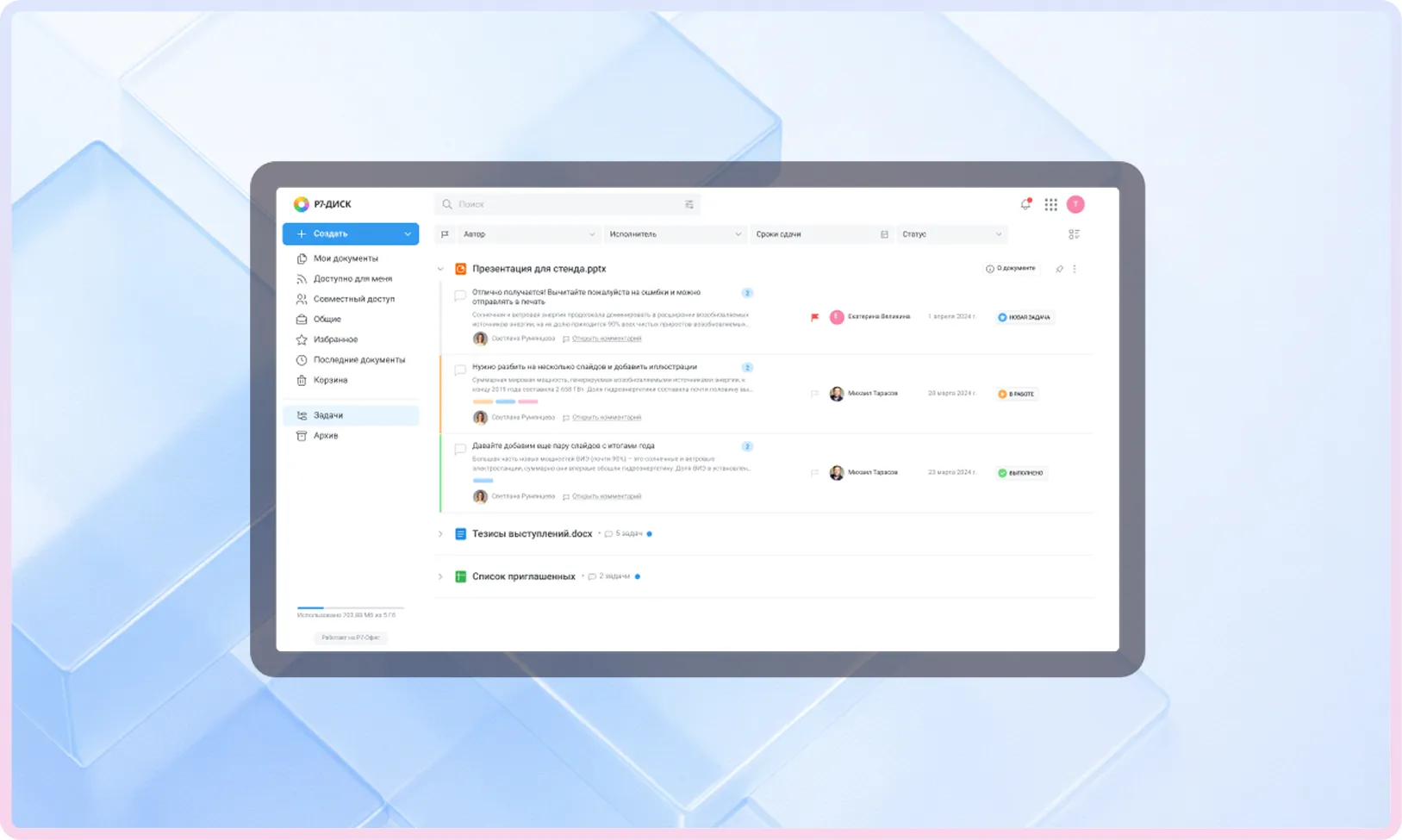
Drive

Create a unified space for documents and files

1
Centralized data storage with access control

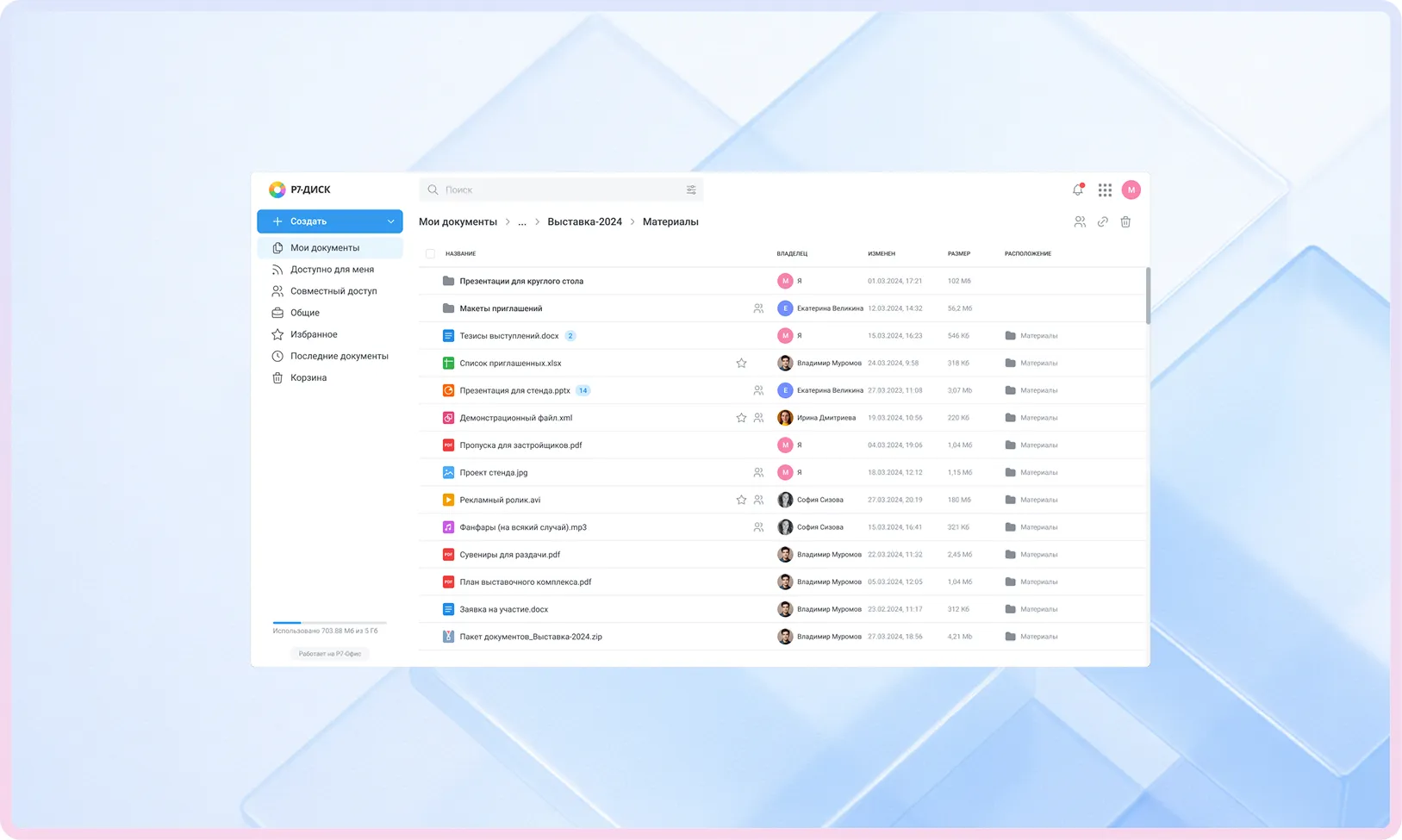
Drive provides a structured environment for files, folders, and data rooms — with flexible permission levels for departments and projects.


Version history, comments, and review tools help teams stay aligned, while built-in full-text search quickly locates documents even across large archives.

2
Collaborative editing and file management within Drive

Multimedia opens directly in the browser: the built-in player streams audio and video without downloading.


Documents, spreadsheets, presentations, diagrams, and graphics can be edited directly from Drive — all changes are saved to version history and synced across team members.

Document Editors

Work with documents, spreadsheets, presentations, and graphics — online and offline

Document Editor

Work with DOC and DOCX files, styles, and corporate templates. Supports version comparison, track changes, comments, and co-editing.

Spreadsheet Editor

Over 440 functions, with support for analytics and what-if scenarios. Charts, formatting, filters, and autosave make working with data and reports effortless.
Редактор презентаций

Ready-made layouts, master slides, object animations, and presenter mode. Create corporate presentations without third-party services.

Graphics

A tool for diagrams, flowcharts, block charts, and illustrations. Supports co-editing and file storage within a closed infrastructure.

Plugins and Macros

The editors are extensible via plugins and automation. Connect internal integrations, add tools tailored to your workflows, and speed up routine tasks.
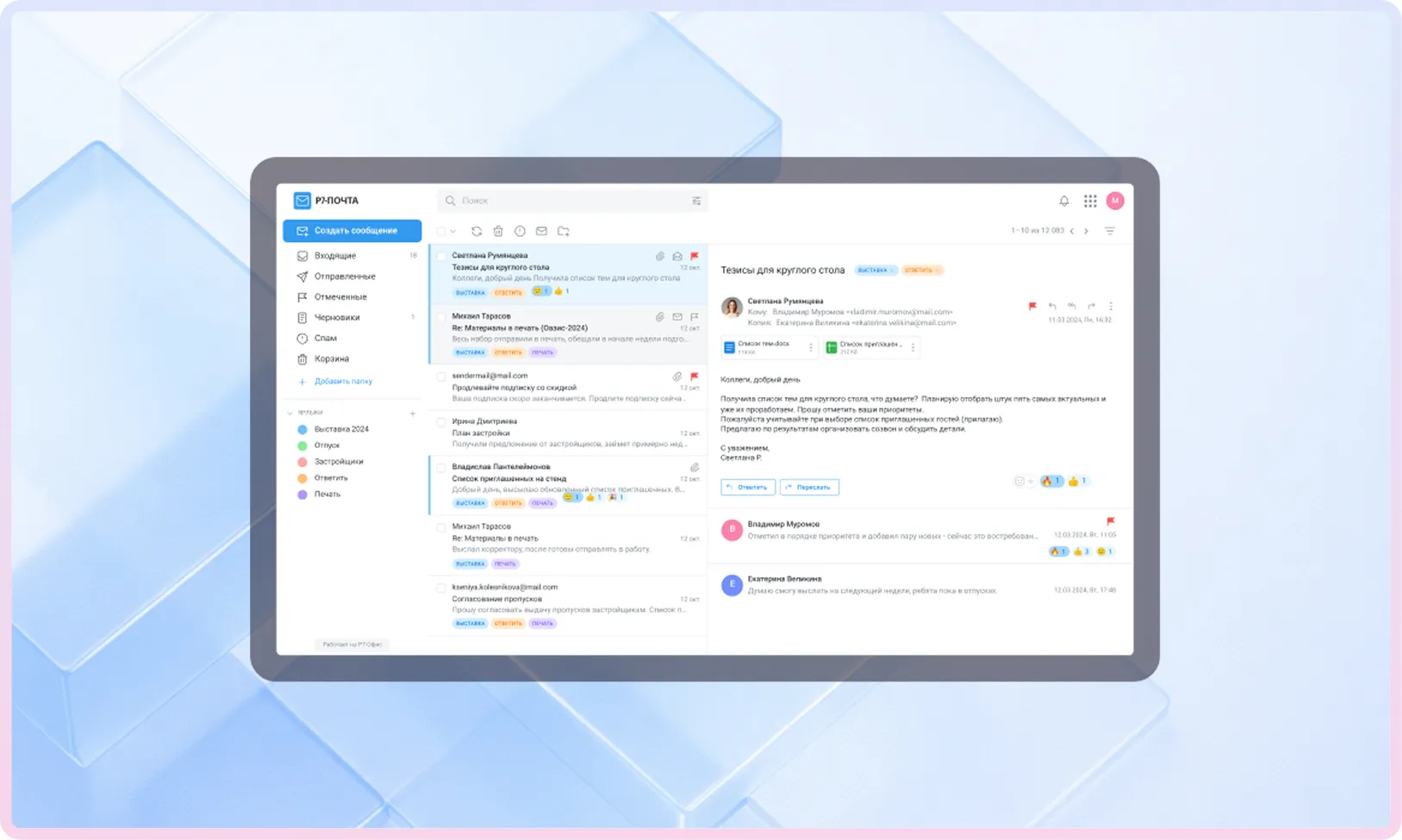
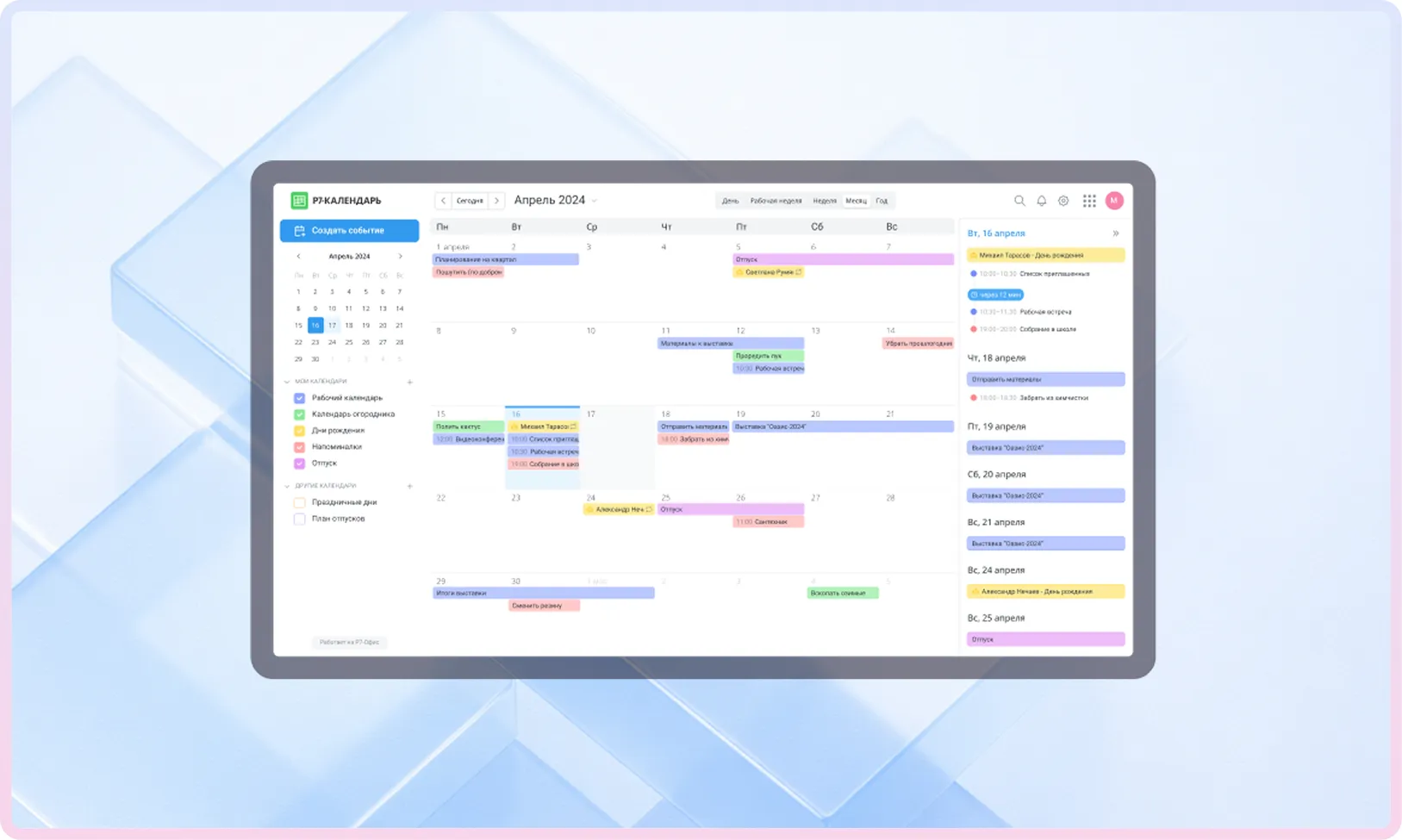
Mail, Calendar, and Tasks

Speed up how you handle emails, meetings, and projects

Team

Organize team communications and run meetings at any scale

1
Chats and Channels

Personal and group chats, topic-based channels, and guest spaces keep teams connected without interruption.


Threads, reactions, and mentions maintain order in conversations, and attachments of any type can be sent without restrictions.

2
Calls and Video Conferencing

The service supports one-on-one and group calls, large-scale conferences, and internal webinars.


Screen sharing, remote control for technical support, and meeting recording are available for reporting and training purposes.

3
Contacts and Statuses

A unified employee directory shows live statuses — online, offline, or on a call.


Users can set custom statuses and add short notes, and group chats show who has already read a message.

Architecture

Build a reliable, high-performance architecture for your Corporate Server

1
Microservices Architecture

A modular service structure with a Service Registry and independent scaling for each component. This architecture simplifies updates, improves resilience, and enables flexible load distribution.

2
Distributed Storage & Caching

File chunking, multi-level caching, and redundancy mechanisms. This approach ensures fault tolerance, fast data access, and stable performance under load.

3
High Performance

Load testing results demonstrated stable operation even under a high number of simultaneous connections. The system handles intensive enterprise activity without delays.

4
Cluster Scenarios

Support for single-node and clustered deployments, node-level scaling, and service distribution across servers. Clustering helps increase fault tolerance and adapt infrastructure to organizational growth.

Compliance

Achieve state-grade compatibility and security

Import independence:

the solution is listed in the Unified Register of Russian Software and recommended for deployment in enterprise and government environments.

Integration with external systems:

works with antivirus solutions, anti-spam services, Milter, document management systems, and external storage via NFS and S3.

Identification:

single sign-on via SSO, Kerberos, and LDAP, two-factor authentication, and activity logs.

Regulatory compliance:

the platform fully complies current information security standards.

Import
independence:

the solution is included in the Unified Register of Russian Software and is recommended for deployment in the corporate and government sectors.

Deployment

Deployment and Pilot Options

1
On-premises — in your data center

Deploy Corporate Server in your own data center or on dedicated on-premises servers.

2
Private cloud — closed perimeter

Deployment in an isolated corporate cloud: network segmentation, custom access policies, encryption, and monitoring.

3
Cloud pilot environment — no installation required

Access a cloud-based demo environment to evaluate Corporate Server without deploying it in your own infrastructure.

Partners

Proven at scale in production environments

Request a Consultation or Demo

We’ll help you select the right Corporate Server configuration for your organization’s size and security requirements, walk you through the product using your own scenarios, and provide a clear, phased implementation plan.
Request a Callback

You’ll get a hands-on look at formatting, document comparison, automation, and spell-check features applied to real-world business scenarios.
By clicking “Submit”, you accept our Terms of Use and Privacy Policy. You confirm your consent to personal data processing.

FAQ

Frequently Asked Questions