Submit your request, and our specialists will contact you shortly.
You can review the methodology and training program for "Corporate Server 2024" via the link
We regularly update our product and share the news. Subscribe to our newsletter to stay up to date with the latest developments in the R7 Office environment.


Import, edit, and export presentations without losing slide structure, animations, fonts, or formatting.
Work with files without losing formatting. A smooth transition with no pushback from your team.
In the browser, on desktop, and in the cloud use the same tools and keyboard shortcuts. No relearning required.


Fast object alignment, guides, and pixel-precise positioning.
Standard, waterfall, and stacked charts, plus data import from spreadsheets.
Insert images, video, icons, hyperlinks, and action buttons.
Modern presets with fine-grained control over speed and sequence.
Notes, timer, next-slide preview, and media playback controls.
Online and offline delivery with guaranteed font and layout fidelity.
Enforce consistent brand themes, corporate colors, grids, and typography across all departments.
Ready-made slide patterns, charts, infographics, buttons, and icons to speed up presentation creation.
Restrict the use of off-brand fonts and colors, and check for contrast and accessibility compliance.
Non-removable markings for “Internal,” “Restricted,” and “Confidential” classification modes.
Block downloads for external recipients and protect content from copying.
Editing, viewing, and printing permissions by role, group, and department.
Logs of presentations shown and exported, with tracking of corporate template usage.
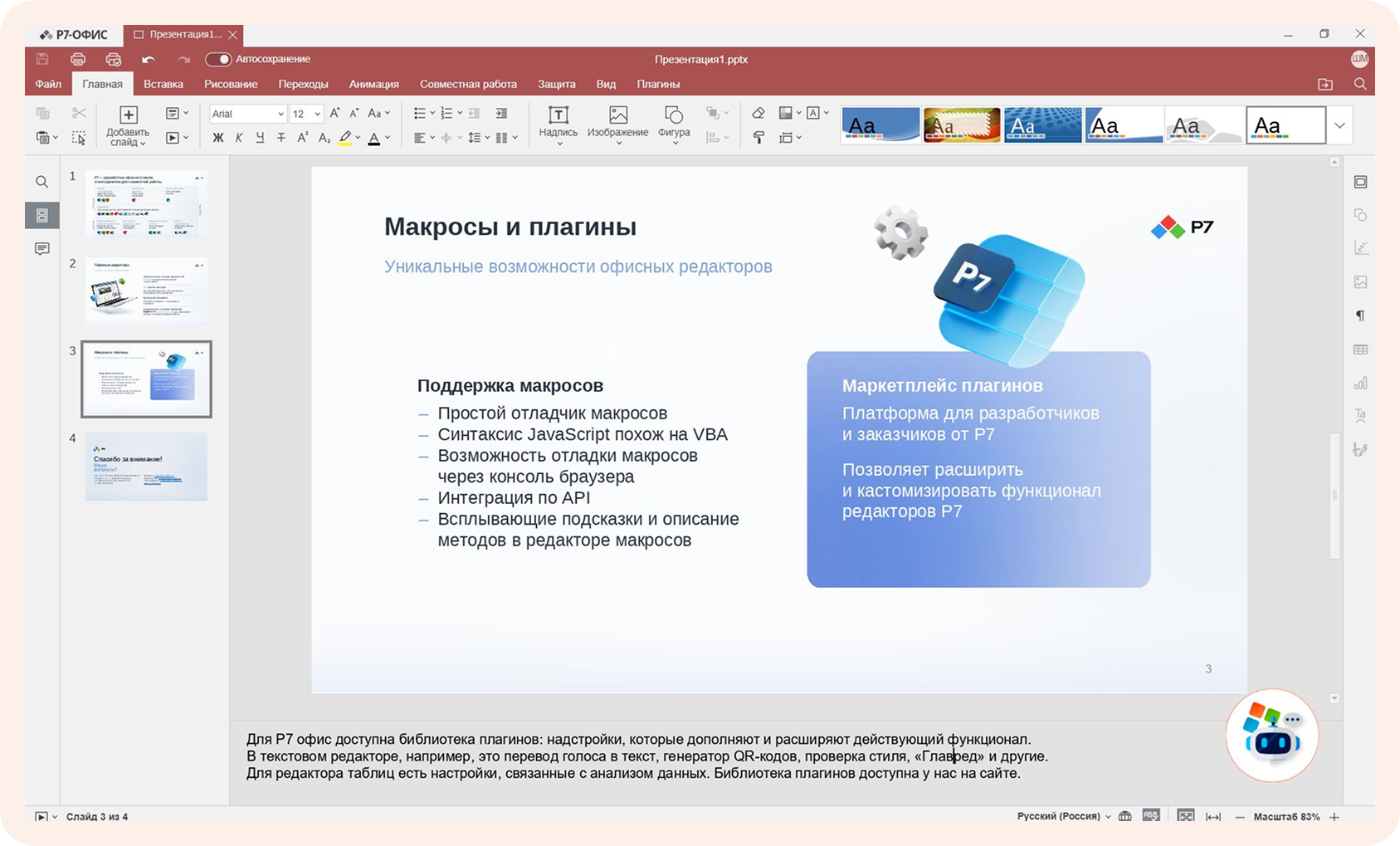
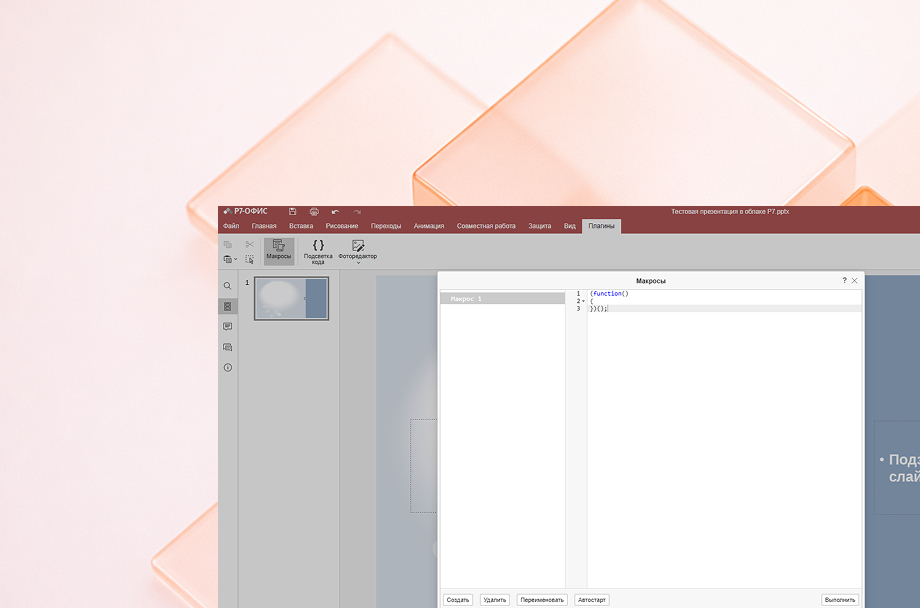
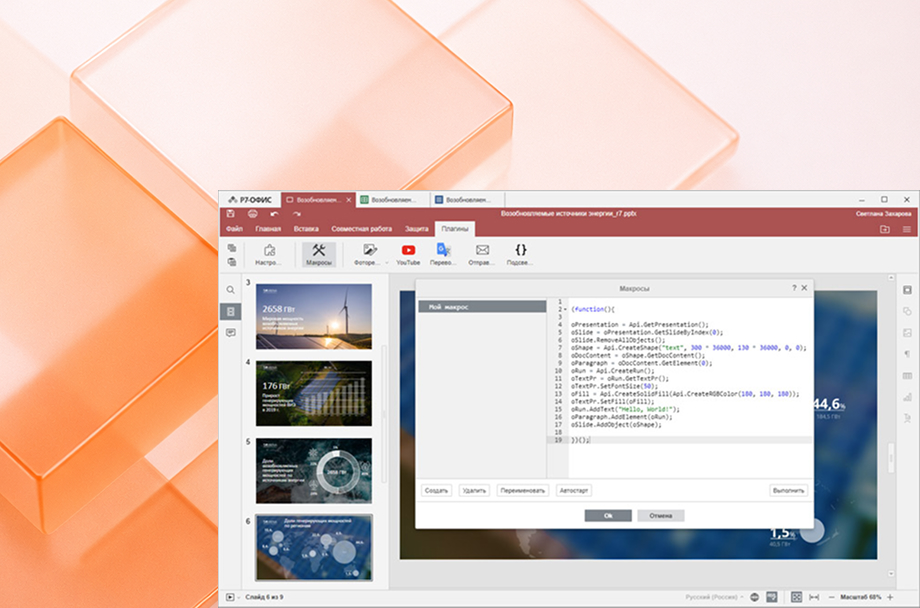
Automate recurring operations, call external APIs, and debug scripts directly in the editor.

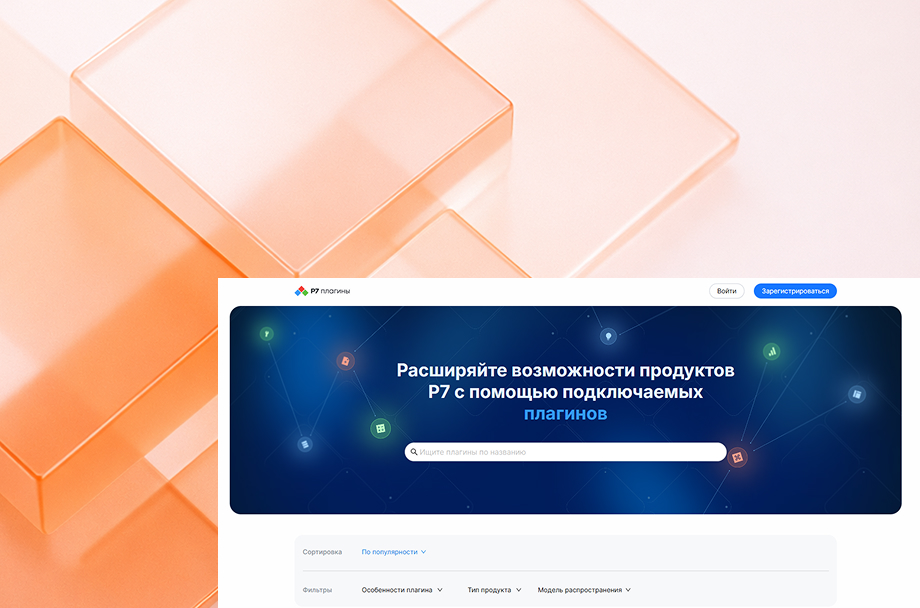
Dozens of solutions in the catalog: OCR, translation, image editing, and more. Updated regularly.

Connect your own plugins to tailor the editor to your company’s workflows and business logic.

Automate recurring operations, call external APIs, and debug scripts directly in the editor.

Dozens of solutions in the catalog: OCR, translation, image editing, and more. Updated regularly.

Connect your own plugins to tailor the editor to your company’s workflows and business logic.


Full-featured free trial with no functionality restrictions. Test the Spreadsheet Editor’s speed, stability, and compatibility on your real-world tasks: financial models, analytics, reports, or CRM exports.

The editor fully complies with regulatory requirements and current information security standards. The solution is certified and ready for deployment in environments with elevated security requirements.
Deploy on your own servers or within your corporate cloud. All data, calculations, and formulas stay within your company’s infrastructure.
Administrators manage user roles and permissions from a single control panel, ensuring transparency, predictability, and control at every level of data access.
Developed by a Russian team, listed in the Unified Register of Russian Software, and recommended for organizations with strict infrastructure security requirements.
Responsive interface and stable performance under the concurrent load of hundreds of users.
Servers can be added on the fly without interrupting running processes.
Fast indexing and full-text contextual search, even across large data volumes.
The Spreadsheet Editor integrates with Drive, Document Server, mail, teams, and other R7 products delivering single sign-on, unified access policies, and seamless transitions between documents and communications.
Other R7 Editors for End-to-End Productivity
R7 Office is already running inside the software ecosystems of major Russian corporations and partner infrastructures, handling high traffic volumes and millions of active users every day.




You’ll get a hands-on look at formatting, document comparison, automation, and spell-check features applied to real-world business scenarios.
Yes. The editor opens and saves presentations in PPTX format without any loss of formatting or branding.
PPSX, POTX, ODP, and OTP formats are also supported, along with export to PDF, PDF/A, PNG, and JPG.
You can work in the web version, Desktop app, or mobile app — all sharing the same interface and interaction model. Work wherever you’re most comfortable.
Yes. We offer a cloud environment so you can explore the product before committing. Afterwards, you can deploy the solution within your own environment, bringing all your templates and policies with you.
This website uses cookies to improve site performance, analyze traffic, and personalize content.
Technical cookies required for the website to function. These cannot be disabled.
Help us understand how you use the website so we can improve it.
Used to display relevant ads and measure campaign effectiveness.